
you NEED to setup Split DNS for your Home Server!
Visit link →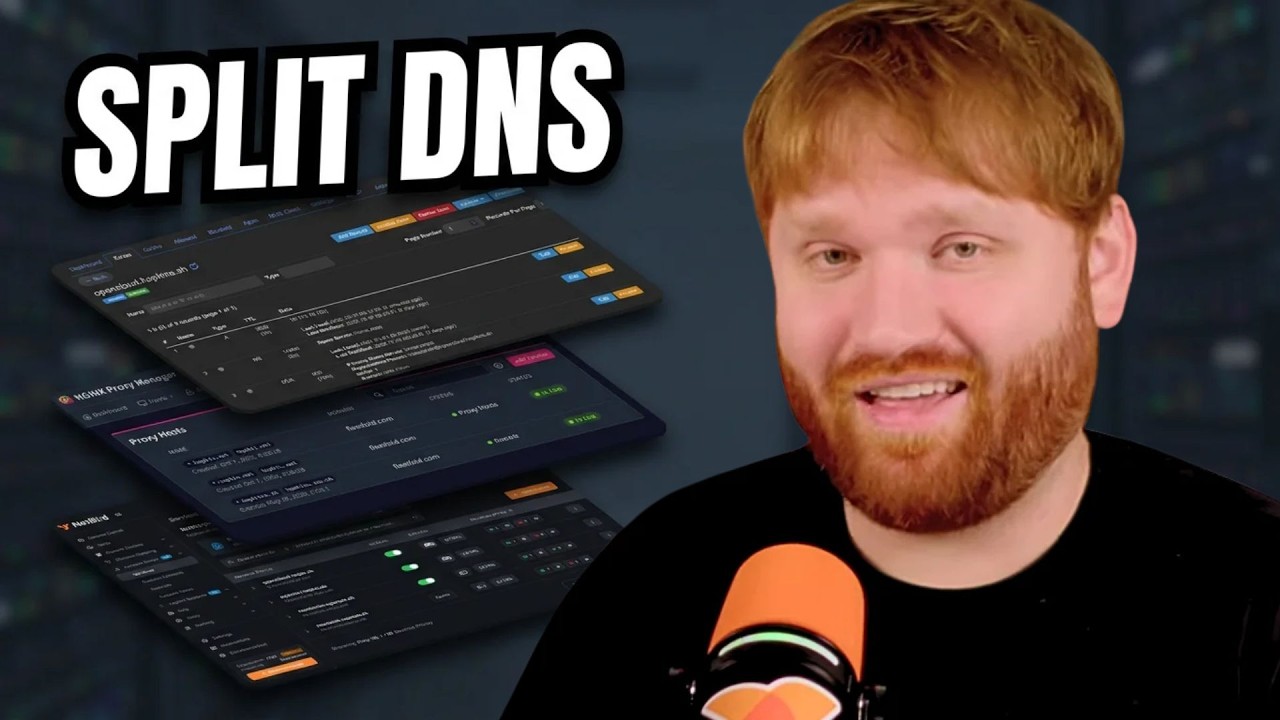
Split DNS lets the same domain resolve to your local reverse proxy when you're at home and to your public proxy when you're away, so you stop sending traffic out to the internet and back for no reason. In this guide I set it up with Nginx Proxy Manager, DNS-01 certificates, Technitium and NetBird's internal DNS so I get direct peer-to-peer access even on the road. I also lock down the OpenCloud sign-in page from the public internet while keeping share links working. Full guide and examples for Pi-hole and AdGuard are linked below.
Split DNS Guide: https://techhut.tv/split-dns-homelab
Nginx Proxy Manager Guide: https://github.com/TechHutTV/homelab/...
🏆 FOLLOW TECHHUT
X (Twitter): https://bit.ly/twitter-techhut
MASTODON: https://bit.ly/mastodon-techhut
BlueSky: https://bsky.app/profile/techhut.bsky...
INSTAGRAM: https://bit.ly/personal-insta
👏 SUPPORT TECHHUT (all links below this line will earn us commission)
BUY A COFFEE: https://buymeacoffee.com/techhut
YOUTUBE MEMBER: https://bit.ly/members-techhut
—PAID/AFFILIATE LINKS BELOW—
🛎 RECOMMENDED SERVICES
VPN I USE: https://airvpn.org/?referred_by=673908
0:00 - Why I Needed Split DNS
1:03 - How Split DNS Works
2:57 - The Three Access Scenarios
3:40 - OpenCloud on NetBird Reverse Proxy
5:32 - DNS-01 Certificates in Nginx Proxy Manager
6:56 - Adding the Local Proxy Host
7:46 - Local DNS Records in Technitium
8:21 - Testing Resolution with dig
9:17 - NetBird DNS Match Domains
10:18 - Blocking External Sign-ins
11:05 - Testing Public Access and Share Links
12:03 - Final Thoughts
Split DNS Guide: https://techhut.tv/split-dns-homelab
Nginx Proxy Manager Guide: https://github.com/TechHutTV/homelab/...
🏆 FOLLOW TECHHUT
X (Twitter): https://bit.ly/twitter-techhut
MASTODON: https://bit.ly/mastodon-techhut
BlueSky: https://bsky.app/profile/techhut.bsky...
INSTAGRAM: https://bit.ly/personal-insta
👏 SUPPORT TECHHUT (all links below this line will earn us commission)
BUY A COFFEE: https://buymeacoffee.com/techhut
YOUTUBE MEMBER: https://bit.ly/members-techhut
—PAID/AFFILIATE LINKS BELOW—
🛎 RECOMMENDED SERVICES
VPN I USE: https://airvpn.org/?referred_by=673908
0:00 - Why I Needed Split DNS
1:03 - How Split DNS Works
2:57 - The Three Access Scenarios
3:40 - OpenCloud on NetBird Reverse Proxy
5:32 - DNS-01 Certificates in Nginx Proxy Manager
6:56 - Adding the Local Proxy Host
7:46 - Local DNS Records in Technitium
8:21 - Testing Resolution with dig
9:17 - NetBird DNS Match Domains
10:18 - Blocking External Sign-ins
11:05 - Testing Public Access and Share Links
12:03 - Final Thoughts
2026/w44/you-need-to-setup-split-dns-for-your-home-server