
Proxmox Datacenter Manager is amazing!
Visit link →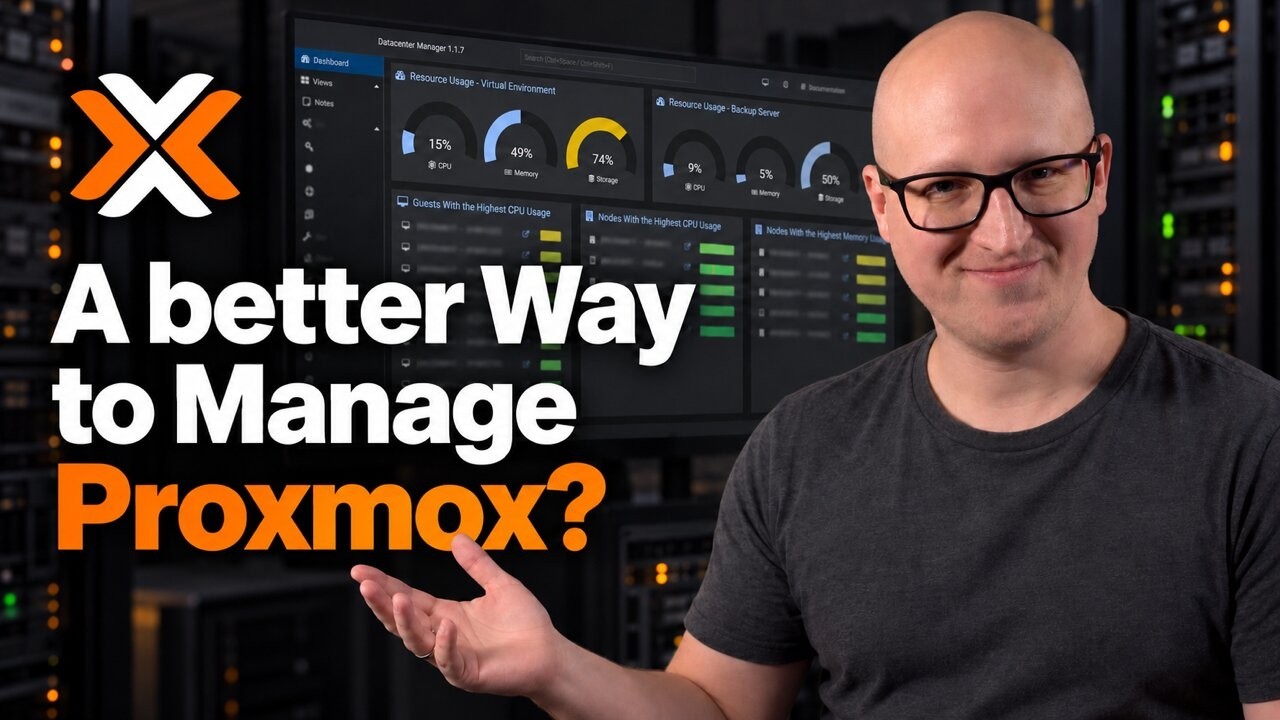
🚀 Try Morph for FREE: https://modelcode.ai/morph
Use code CHRISTIAN to get 60,000 free credits per month for your first year.
Analyze your codebase for FREE. Pay only if you decide to modernize.
Manage your Proxmox hosts, clusters, and Proxmox Backup Server from one dashboard. In this tutorial, I install Proxmox Datacenter Manager in a Debian 13 LXC container, configure repositories and TLS, connect my environments, and explore custom dashboards, guest management, centralized updates, backups, and Ceph visibility. I also walk through cross-remote migration settings and explain why my ARM-to-x86 example cannot run. Is PDM useful even with just one Proxmox host and a backup server? Here's what I found in my homelab.
References:
Write-Up: https://christianlempa.de/videos/prox...
Proxmox Datacenter Manager: https://www.proxmox.com/en/products/p...
Documentation: https://pdm.proxmox.com/docs/introduc...
Roadmap: https://pdm.proxmox.com/docs/roadmap....
Downloads: https://www.proxmox.com/en/downloads/...
________________
💜 Support me and become a Fan! → / @christianlempa
💬 Join our Community!
→ https://christianlempa.de/discord
👉 Follow me everywhere
→ https://christianlempa.de
________________
Read my Tech Documentation
https://christianlempa.de/docs
My Gear and Equipment
https://christianlempa.de/kit
________________
Timestamps:
00:00 - Why Proxmox Datacenter Manager?
01:33 - Installation options and requirements
05:02 - Create a Debian 13 LXC container
07:51 - Install Proxmox Datacenter Manager
10:27 - Repositories, updates, and TLS certificates
12:01 - Connect a Proxmox cluster
13:57 - Explore remotes and guest management
14:56 - Add an ARM host and Proxmox Backup Server
15:44 - Customize your dashboards
17:26 - Global guests and cross-remote migration
19:08 - Centralized updates and tasks
19:59 - Backups and Ceph visibility
20:38 - Is PDM worth running in your homelab?
________________
Links can include affiliate links.
Use code CHRISTIAN to get 60,000 free credits per month for your first year.
Analyze your codebase for FREE. Pay only if you decide to modernize.
Manage your Proxmox hosts, clusters, and Proxmox Backup Server from one dashboard. In this tutorial, I install Proxmox Datacenter Manager in a Debian 13 LXC container, configure repositories and TLS, connect my environments, and explore custom dashboards, guest management, centralized updates, backups, and Ceph visibility. I also walk through cross-remote migration settings and explain why my ARM-to-x86 example cannot run. Is PDM useful even with just one Proxmox host and a backup server? Here's what I found in my homelab.
References:
Write-Up: https://christianlempa.de/videos/prox...
Proxmox Datacenter Manager: https://www.proxmox.com/en/products/p...
Documentation: https://pdm.proxmox.com/docs/introduc...
Roadmap: https://pdm.proxmox.com/docs/roadmap....
Downloads: https://www.proxmox.com/en/downloads/...
________________
💜 Support me and become a Fan! → / @christianlempa
💬 Join our Community!
→ https://christianlempa.de/discord
👉 Follow me everywhere
→ https://christianlempa.de
________________
Read my Tech Documentation
https://christianlempa.de/docs
My Gear and Equipment
https://christianlempa.de/kit
________________
Timestamps:
00:00 - Why Proxmox Datacenter Manager?
01:33 - Installation options and requirements
05:02 - Create a Debian 13 LXC container
07:51 - Install Proxmox Datacenter Manager
10:27 - Repositories, updates, and TLS certificates
12:01 - Connect a Proxmox cluster
13:57 - Explore remotes and guest management
14:56 - Add an ARM host and Proxmox Backup Server
15:44 - Customize your dashboards
17:26 - Global guests and cross-remote migration
19:08 - Centralized updates and tasks
19:59 - Backups and Ceph visibility
20:38 - Is PDM worth running in your homelab?
________________
Links can include affiliate links.
2026/w42/proxmox-datacenter-manager-is-amazing