
My NEW AI Terminal and Code Editor // Orca Review
Visit link →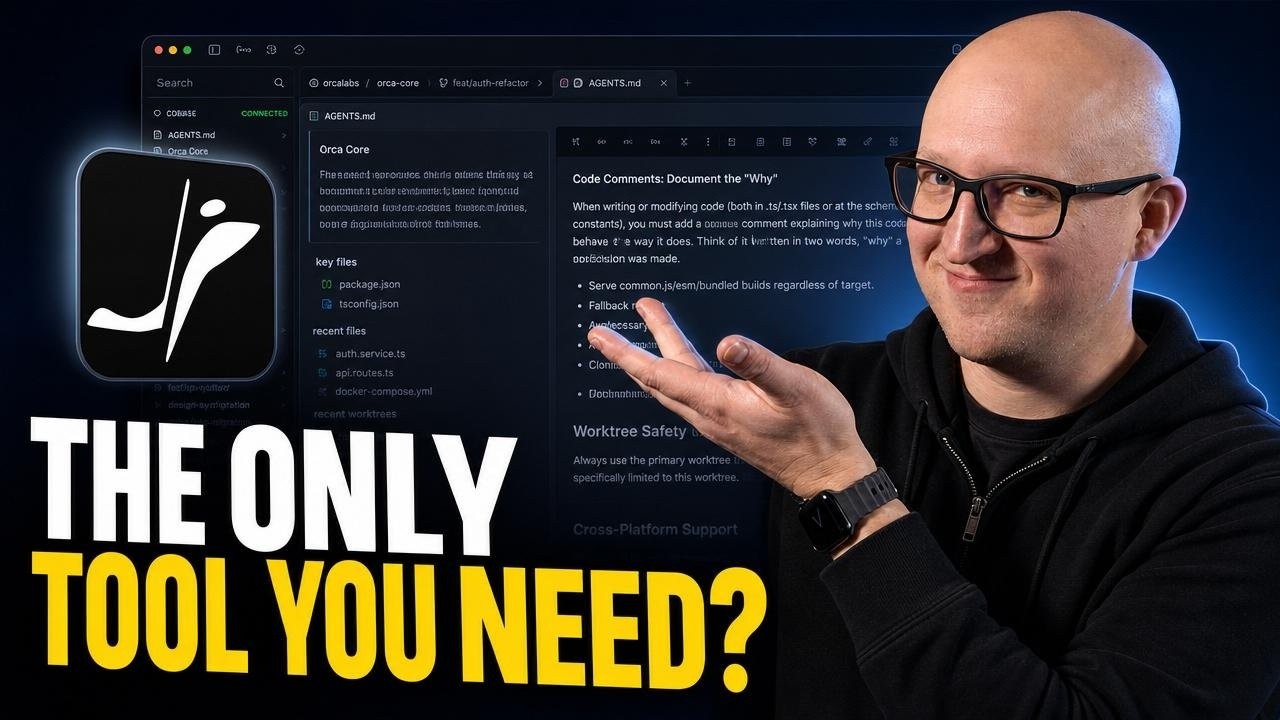
I tested Orca, a new Agent Development Environment that tries to combine AI terminal agents, code editing, Git worktrees, browser previews, mobile control, and multi-agent orchestration into one workflow.
In this video, I’ll show how Orca works, how it manages isolated Git worktrees for AI coding agents, how the GitOps and review workflow works, and whether this can actually replace my current mix of terminal sessions, code editor tabs, browser windows, and manual branch management.
🚀 Try Morph for FREE: https://modelcode.ai/morph
Use code CHRISTIAN to get 60,000 free credits per month for your first year.
Analyze your codebase for FREE. Pay only if you decide to modernize.
References
Orca: https://www.onorca.dev
Orca GitHub: https://github.com/stablyai/orca
Orca Docs: https://www.onorca.dev/docs
My Pi Agent video: • Pi: Open-Source AI Agent Terminal Set-Up
________________
💜 Support me and become a Fan!
→ https://christianlempa.de/patreon
→ / @christianlempa
💬 Join our Community!
→ https://christianlempa.de/discord
👉 Follow me everywhere
→ https://christianlempa.de
________________
Read my Tech Documentation
https://christianlempa.de/docs
My Gear and Equipment
https://christianlempa.de/kit
________________
Timestamps:
00:00 - Introduction
00:51 - What is Orca?
03:16 - First look
05:54 - Configuration
07:48 - Add your projects
11:40 - Run Agents
16:53 - Quick Commands
17:25 - Browser Tab and Annotations
20:13 - Mobile Companion
21:51 - Source Controls
22:35 - Orchestration
25:05 - Final thoughts
________________
Links can include affiliate links.
In this video, I’ll show how Orca works, how it manages isolated Git worktrees for AI coding agents, how the GitOps and review workflow works, and whether this can actually replace my current mix of terminal sessions, code editor tabs, browser windows, and manual branch management.
🚀 Try Morph for FREE: https://modelcode.ai/morph
Use code CHRISTIAN to get 60,000 free credits per month for your first year.
Analyze your codebase for FREE. Pay only if you decide to modernize.
References
Orca: https://www.onorca.dev
Orca GitHub: https://github.com/stablyai/orca
Orca Docs: https://www.onorca.dev/docs
My Pi Agent video: • Pi: Open-Source AI Agent Terminal Set-Up
________________
💜 Support me and become a Fan!
→ https://christianlempa.de/patreon
→ / @christianlempa
💬 Join our Community!
→ https://christianlempa.de/discord
👉 Follow me everywhere
→ https://christianlempa.de
________________
Read my Tech Documentation
https://christianlempa.de/docs
My Gear and Equipment
https://christianlempa.de/kit
________________
Timestamps:
00:00 - Introduction
00:51 - What is Orca?
03:16 - First look
05:54 - Configuration
07:48 - Add your projects
11:40 - Run Agents
16:53 - Quick Commands
17:25 - Browser Tab and Annotations
20:13 - Mobile Companion
21:51 - Source Controls
22:35 - Orchestration
25:05 - Final thoughts
________________
Links can include affiliate links.
2026/w30/my-new-ai-terminal-and-code-editor-orca-review