
Pi: Open-Source AI Agent Terminal Set-Up
Visit link →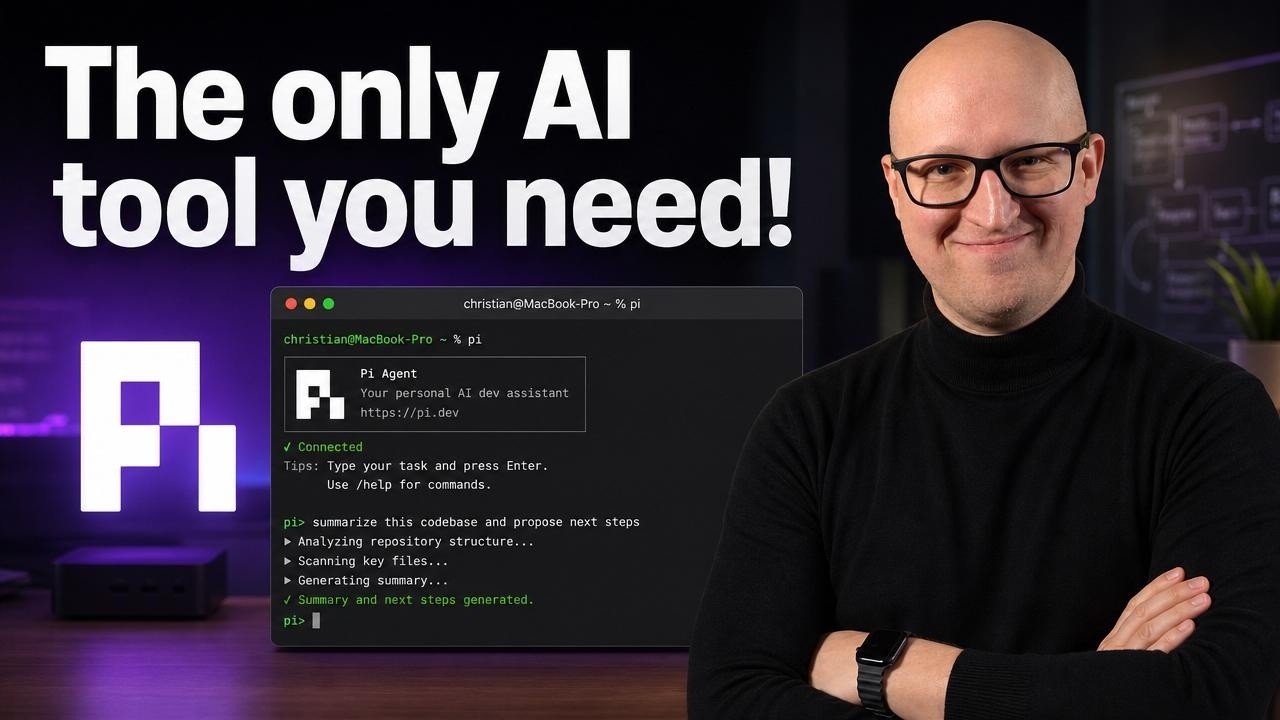
Check out Twingate and supercharge your security: https://bit.ly/3Y1OaZi
Most AI coding agents are turning into huge platforms with MCP setups, sub-agents, permission popups, and a lot of hidden magic. In this video, I show you Pi Agent, a minimal open-source AI agent that runs directly in the terminal and works with the tools, files, and repositories you already use in your homelab. We’ll go through installation, provider and model setup, practical workflows with scripts, Terraform, Ansible, Docker, and Markdown, how to use `AGENTS.md` for project instructions, session management, customization with skills and extensions, and the safety trade-offs of giving an agent direct CLI access.
References:
Pi Agent: https://pi.dev/
Pi Docs: https://pi.dev/docs/latest
AGENTS.md: https://agents.md/
________________
💜 Support me and become a Fan!
→ https://christianlempa.de/patreon
→ / @christianlempa
💬 Join our Community!
→ https://christianlempa.de/discord
👉 Follow me everywhere
→ https://christianlempa.de
________________
Read my Tech Documentation
https://christianlempa.de/docs
My Gear and Equipment
https://christianlempa.de/kit
________________
Timestamps:
00:00 - What is Pi agent?
00:49 - What makes Pi special?
02:46 - How to install and terminal set-up
05:15 - Choosing your provider and model
06:16 - Working with Pi
09:31 - AGENTS.md best-practices
13:31 - Session Management
15:33 - Extending and customization
17:52 - What about guardrails?
________________
Links can include affiliate links.
Most AI coding agents are turning into huge platforms with MCP setups, sub-agents, permission popups, and a lot of hidden magic. In this video, I show you Pi Agent, a minimal open-source AI agent that runs directly in the terminal and works with the tools, files, and repositories you already use in your homelab. We’ll go through installation, provider and model setup, practical workflows with scripts, Terraform, Ansible, Docker, and Markdown, how to use `AGENTS.md` for project instructions, session management, customization with skills and extensions, and the safety trade-offs of giving an agent direct CLI access.
References:
Pi Agent: https://pi.dev/
Pi Docs: https://pi.dev/docs/latest
AGENTS.md: https://agents.md/
________________
💜 Support me and become a Fan!
→ https://christianlempa.de/patreon
→ / @christianlempa
💬 Join our Community!
→ https://christianlempa.de/discord
👉 Follow me everywhere
→ https://christianlempa.de
________________
Read my Tech Documentation
https://christianlempa.de/docs
My Gear and Equipment
https://christianlempa.de/kit
________________
Timestamps:
00:00 - What is Pi agent?
00:49 - What makes Pi special?
02:46 - How to install and terminal set-up
05:15 - Choosing your provider and model
06:16 - Working with Pi
09:31 - AGENTS.md best-practices
13:31 - Session Management
15:33 - Extending and customization
17:52 - What about guardrails?
________________
Links can include affiliate links.
2026/w21/pi-open-source-ai-agent-terminal-set-up